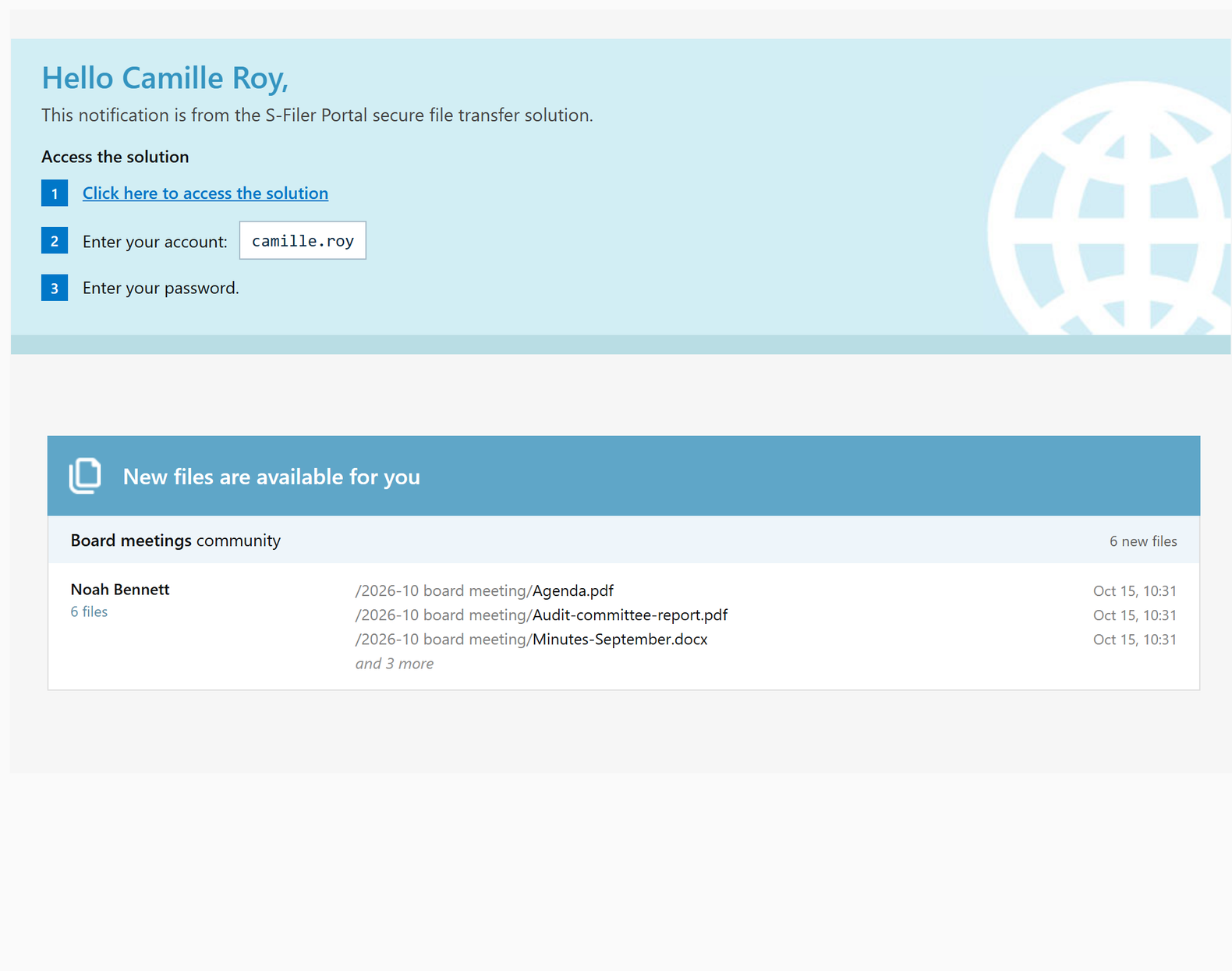
A colleague drops forty files into a share space. In S-Filer Portal™ 4.21, that can be one email in your inbox. Each user decides how they hear from S-Filer Portal. Every email has been redesigned too.
Your inbox, your rhythm
Under Email notifications in their profile, each user ticks Enable and picks a rhythm:
- Consolidate notifications sent in rapid succession
- Send each notification separately and immediately
- Send a daily summary of notifications
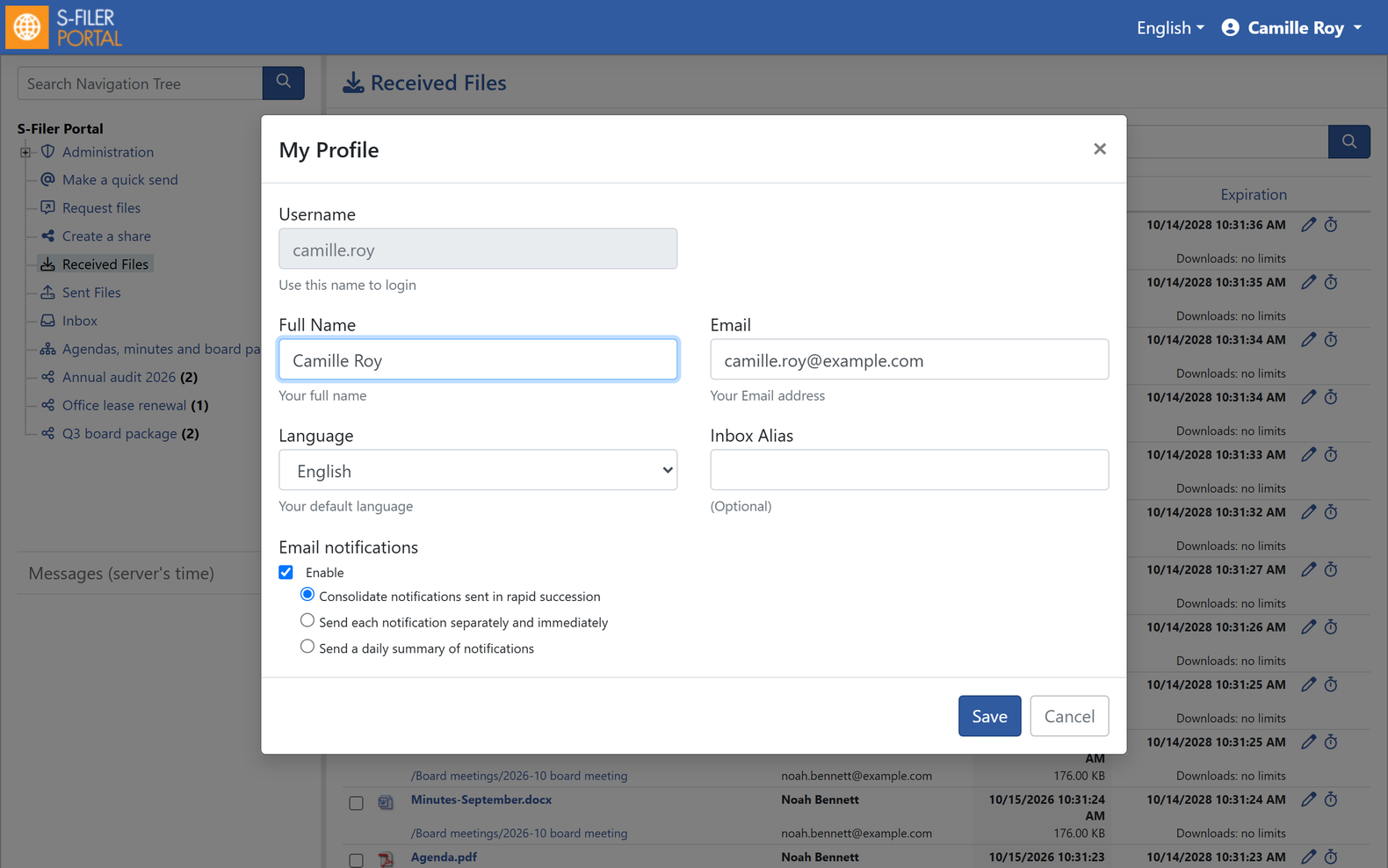
With consolidation, S-Filer Portal waits for five quiet minutes, then sends a single email. It never holds notifications for more than an hour. Unticking Enable turns them off.
A smooth switch after an upgrade
Consolidation needs the 4.21 version flag and its own feature flag. New installations have both on. After an upgrade, both are off and your administrators choose when consolidation starts.
From then on, new users start with consolidated emails. Existing users keep their current setting, immediate or none, until they change it.
A fresh look for every email
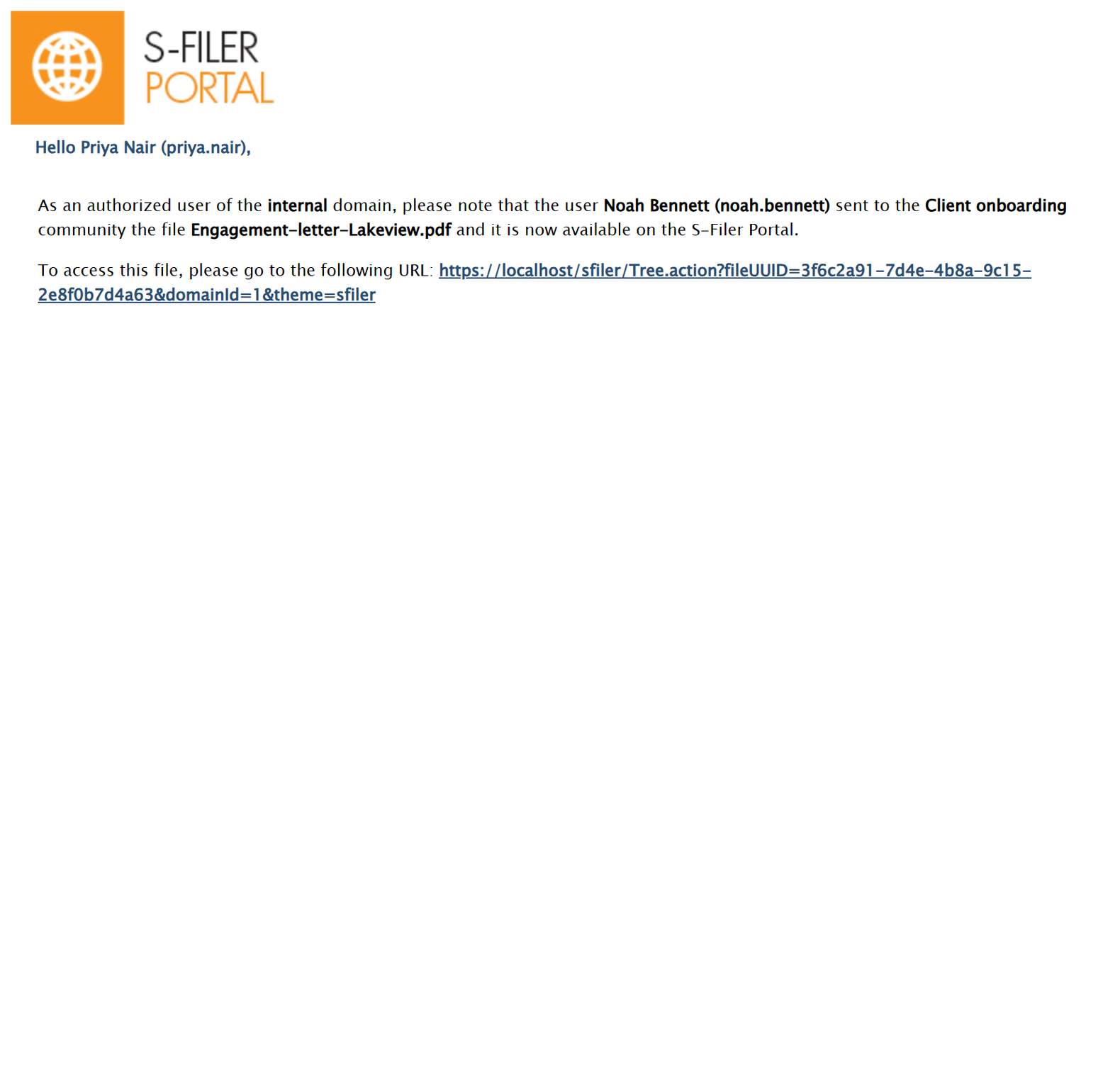
Every email template has been rewritten in all five supported languages. Clear sign-in steps sit at the top, and a card shows what happened at a glance.
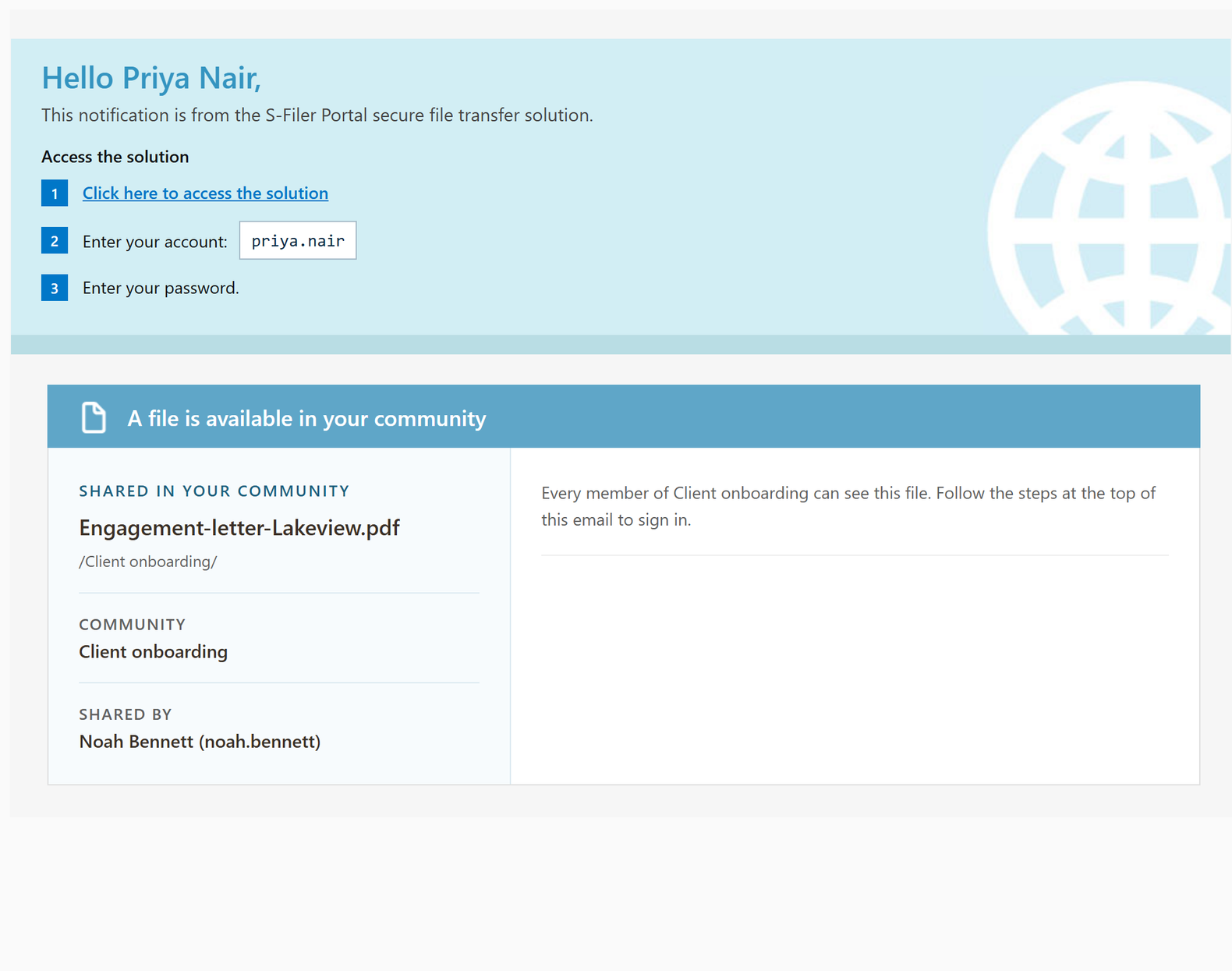
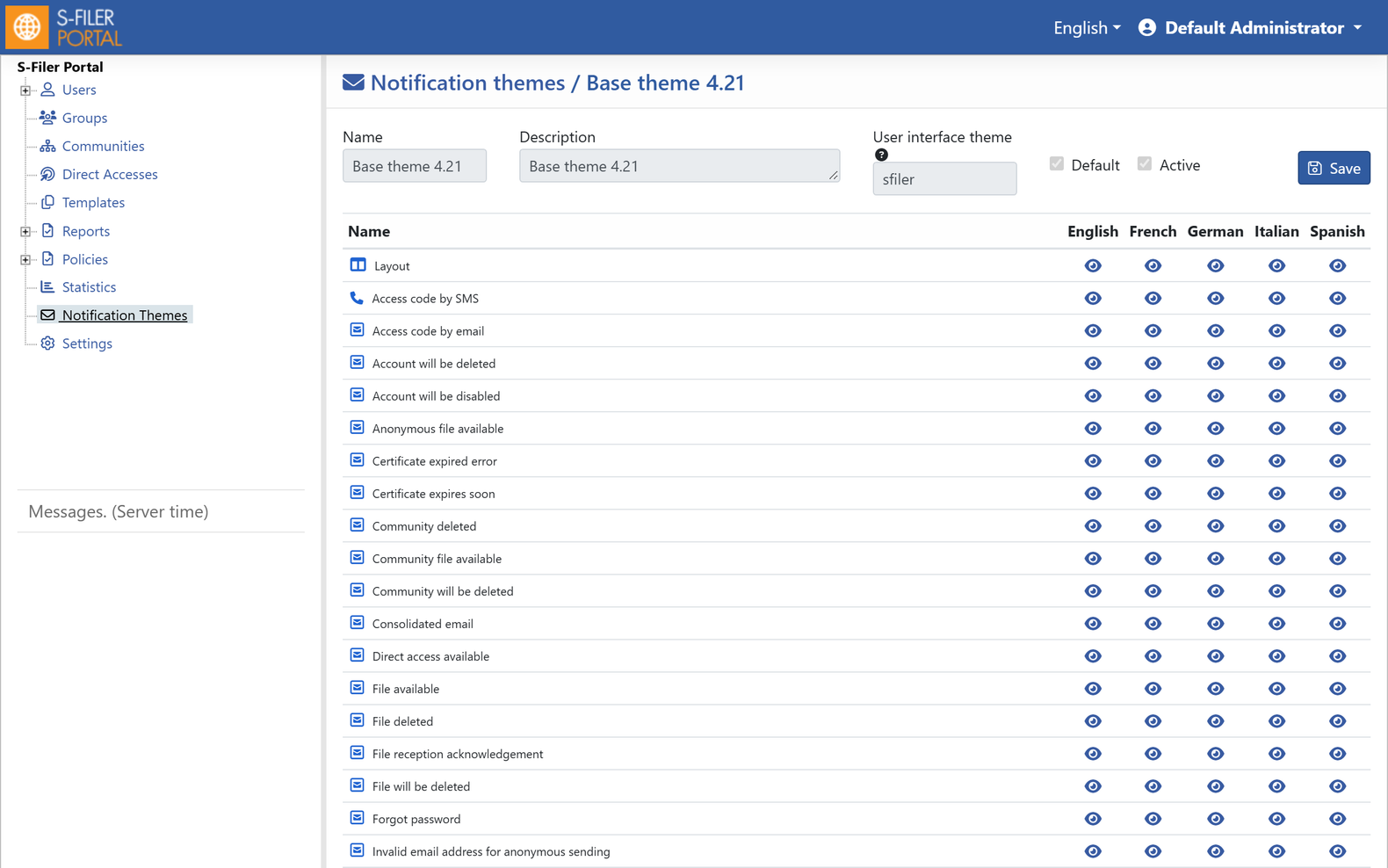
The new look arrives as a notification theme named Base theme 4.21. An upgrade adds it without switching it on. Your emails keep their look until you decide. When you are ready, an administrator makes it active and the default under Notification Themes. Your own custom theme stays exactly as it is.